πŸ¦† Personal fork of MojoLauncher

Minecraft Java Edition,
right on Android.

DuckCraft Launcher brings the full Minecraft: Java Edition experience to phones and tablets β€” supports all versions, Forge/Fabric mods, and includes a built-in mod browser right inside the app.
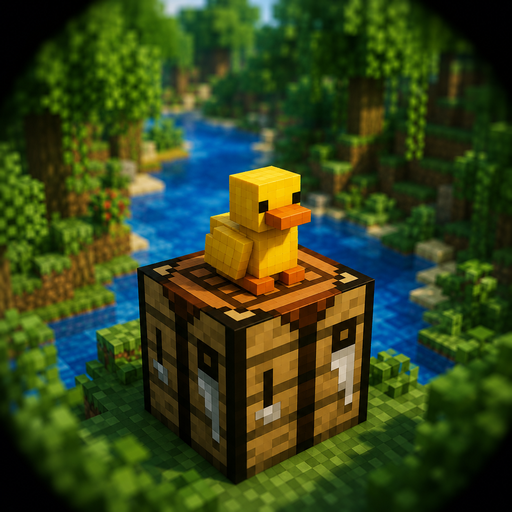
DuckCraft Launcher icon β€” a yellow duck sitting on a Minecraft crafting table
What's in the pond

More than just a name change

Three things that make DuckCraft different from the original Pojav version you used.

πŸ–ΌοΈ

Renderer MobileGlues

Adds a performance-optimized graphics rendering option for many Android devices, alongside the existing Holy GL4ES, Zink, and LTW renderers.

πŸ”

Mod & Resource Pack Browser

Search and download directly from Modrinth and CurseForge in the app β€” automatically including dependencies and the correct modloader type.

🎨

Unique Identity

A yellow-and-green interface, duck icon, and custom splash screen β€” while retaining the stable engine from MojoLauncher/PojavLauncher.

Get Started

Install in 3 Steps

Download the APK

Go to the Releases page and download the latest version to your phone.

Allow installation from external sources

Android will ask for confirmation because the APK is not from the Play Store β€” choose Install anyway or Allow from this source depending on your device.

Open the app and play

Sign in with a Microsoft/Ely.by account, choose a Minecraft version, and start playing.

Note: The MobileGlues renderer only supports Minecraft 1.13 and above. For older versions (such as 1.8.9 – 1.12.2), select the Holy GL4ES renderer in the graphics settings.